
Account Setup & Verification

This section shows you how to get started using Eightwire by following this process to self-register for an Eightwire Account. The Account is created as a trial which is in place for two weeks, so you can get familiar with Eightwire and set up some test data transfers. Your Account switches to a full license after two weeks or when you are ready to work with production data.

Click sign up from our login page

conductor.eight-wire.com

Complete the form and select sign up
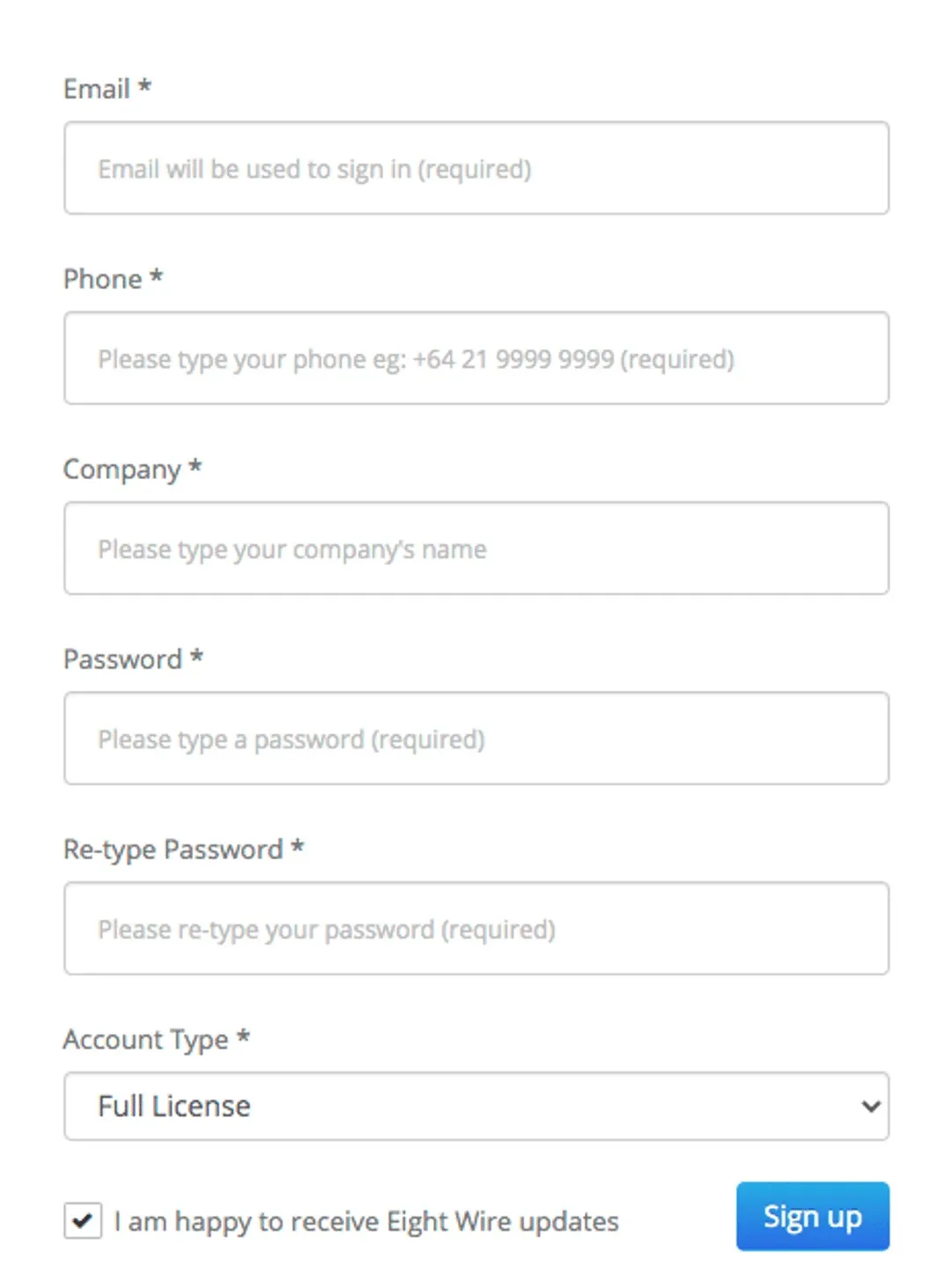
Sign up form with Email, Phone, Company, Password, Re-type Password and Account Type fields and the Sign up button

Once you submit, our administrators will be alerted and prepare your account for verification.
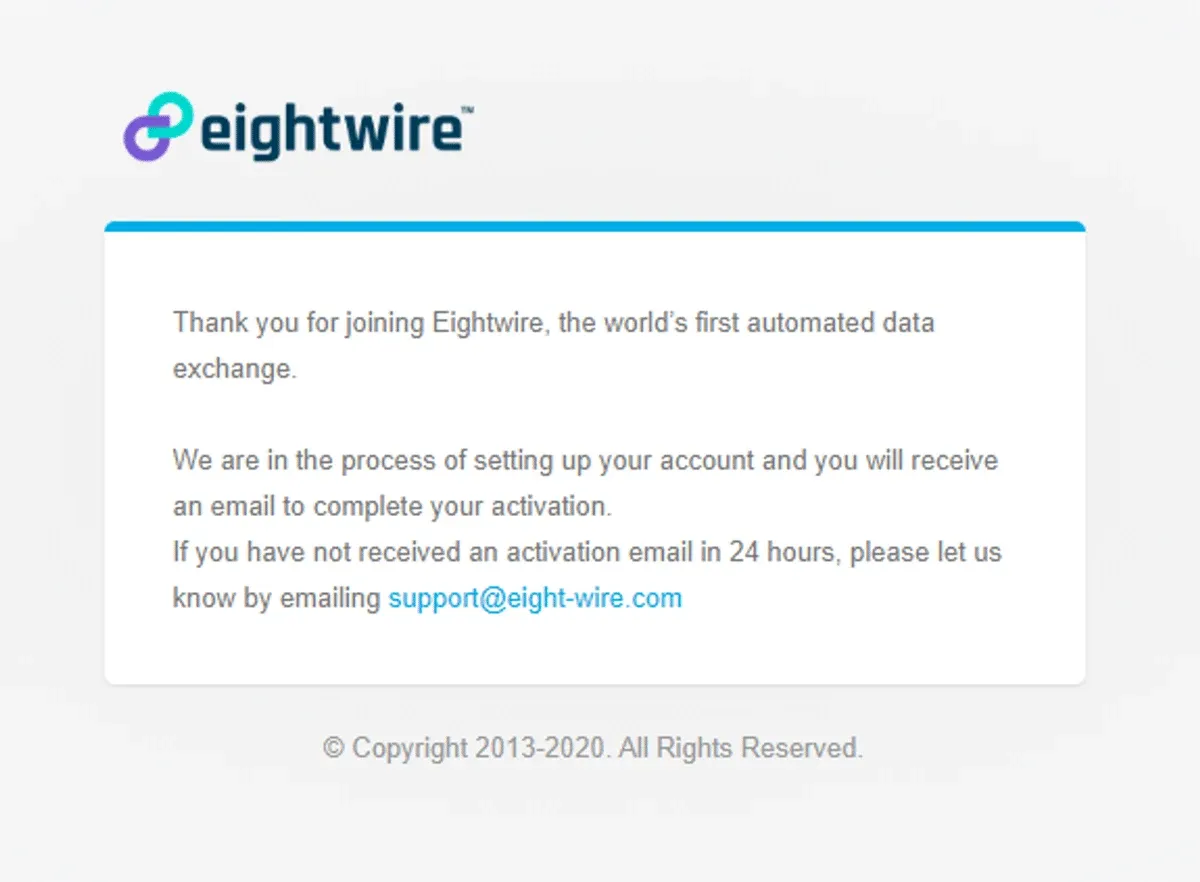
Eightwire sign-up confirmation page saying the account is being set up and an activation email will follow

Once your account has been activated you will receive a verification email. Log in to your account and accept the terms and conditions to complete the process.
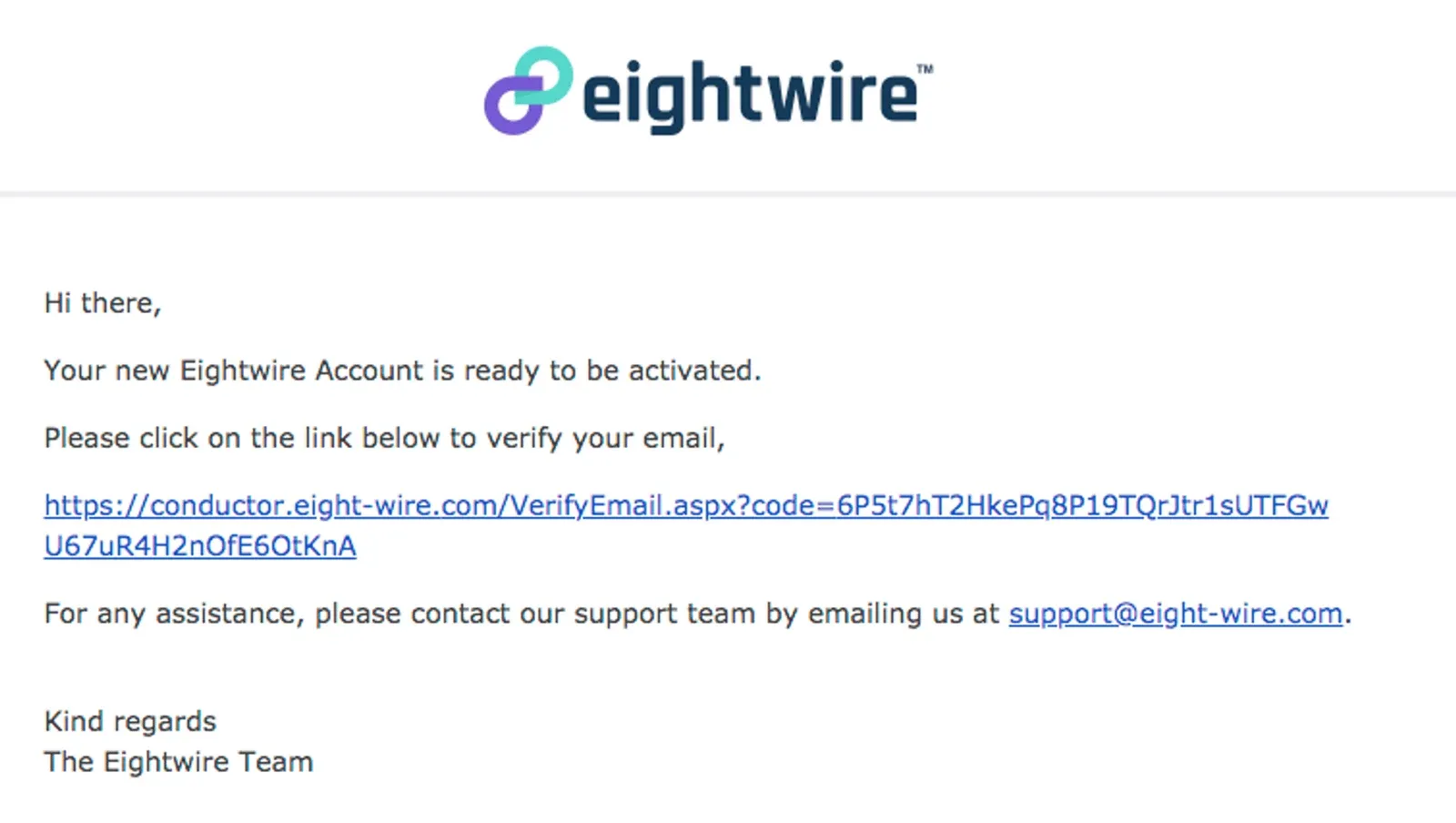
Eightwire verification email with the conductor.eight-wire.com VerifyEmail link to click to activate the Account

Welcome to your new Account!

Next steps : Check out Account configuration options in Account Settings

Stuck on this step? Email support@eight-wire.com