
Assign Project Users

To assign a user to a project you must have the role of Account Administrator. Each user that is added to a project is assigned a Project role which provides them with specific Project permissions. Refer to our page about managing users for a full description of the roles and their capabilities.

From a Project dashboard, select Users
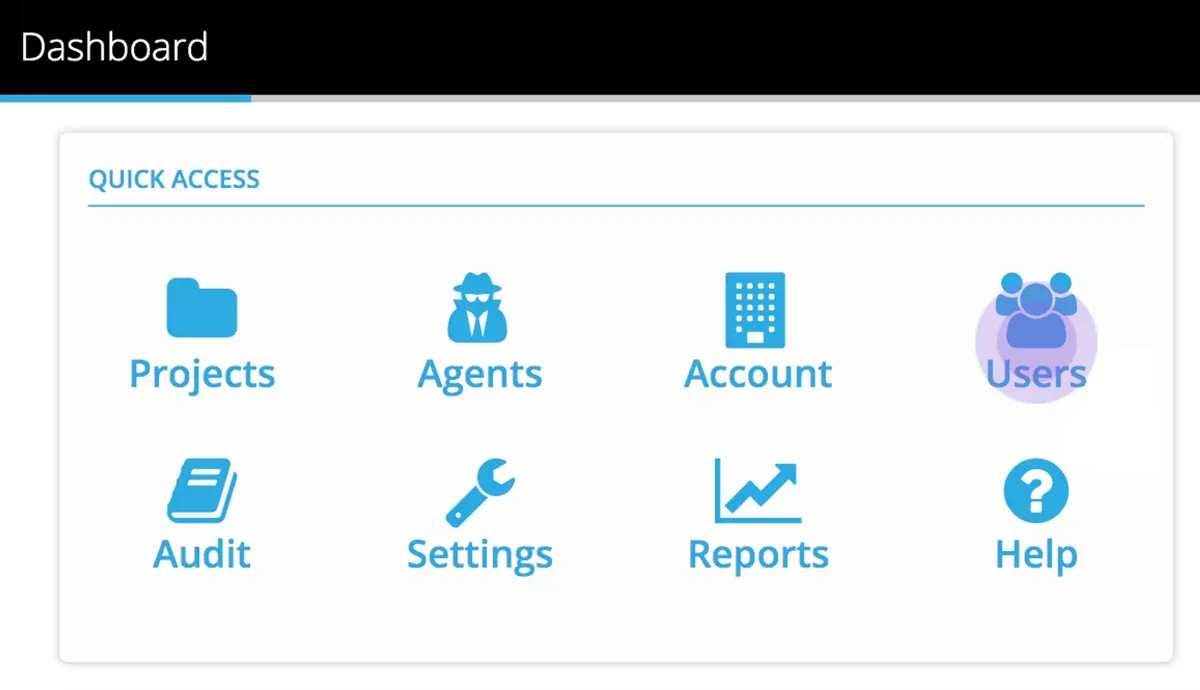
Dashboard Quick Access panel with the Users tile highlighted next to Projects, Agents and Account

Add a user from the Select Users dropdown, choose a project role (Author, Administrator or User) from the Role dropdown, and click Ok.

Use x remove to remove a User from a Project.
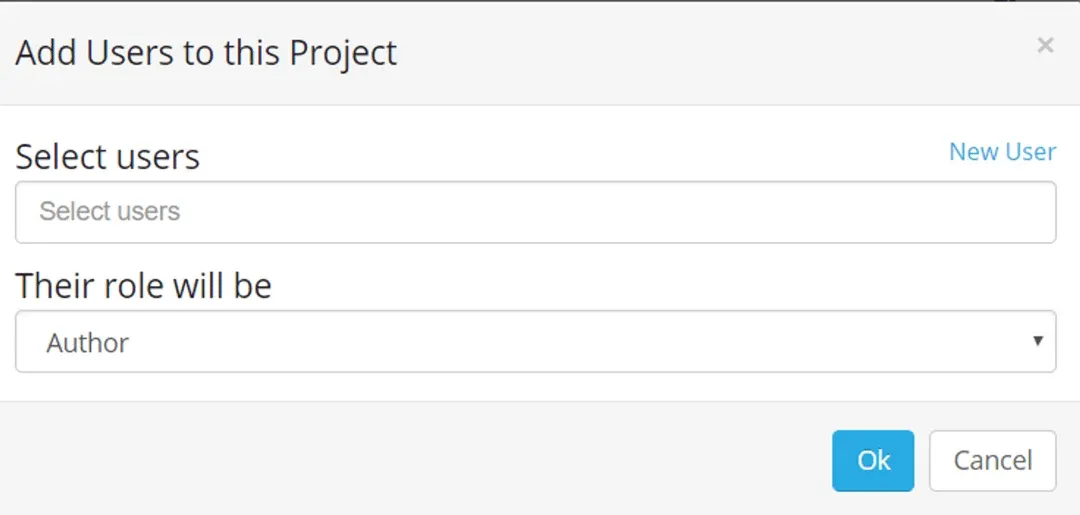
Add Users to this Project dialog with the Select users field, the Their role will be dropdown set to Author and the Ok button

To change a Project role for a User, use the x remove button and add them again with the new Project role

Now consider how you will enable access to data in your Project, there is some background information in the page Agent - Architecture for Data Access

Stuck on this step? Email support@eight-wire.com