
Tile Information
Click on the blue i symbol to see specific information for each Tile.
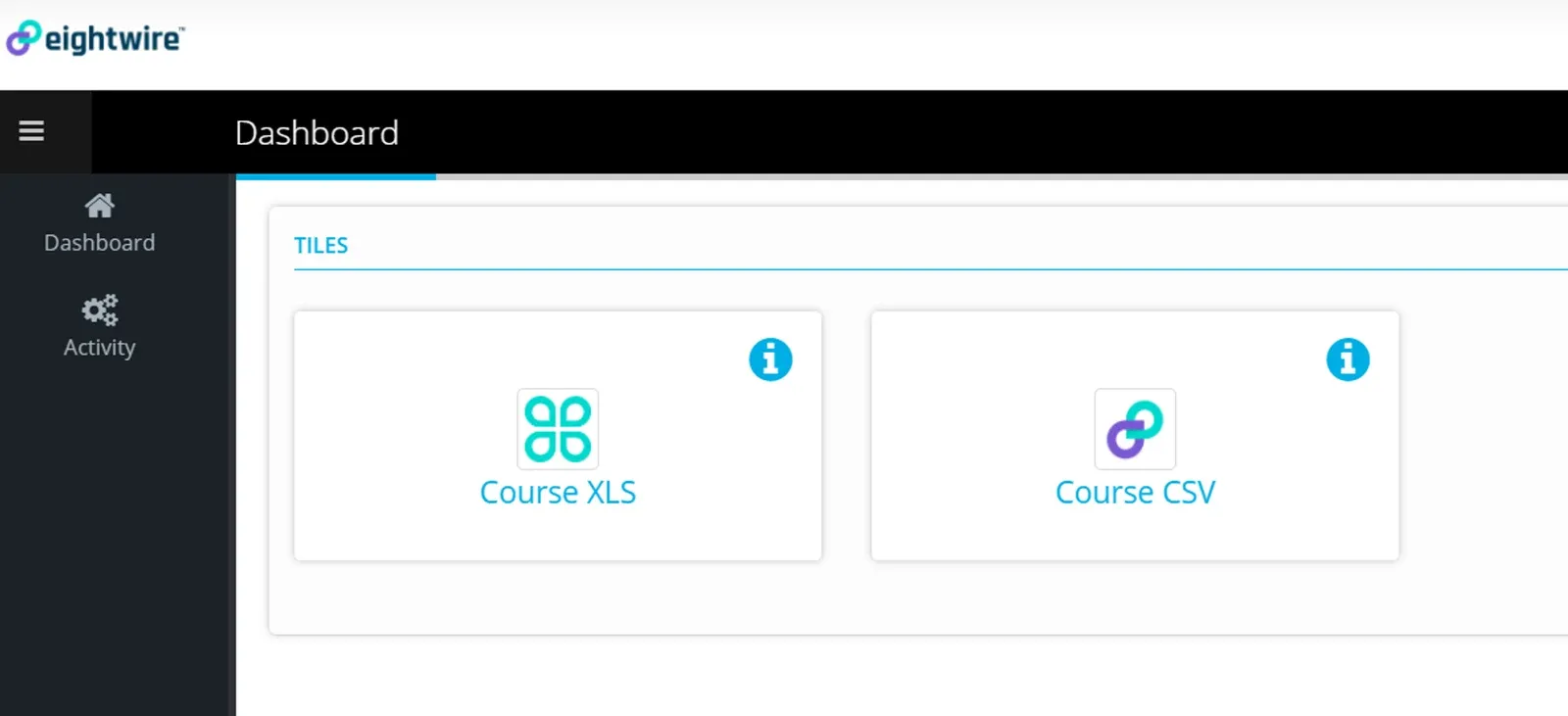
The information tab has a section for
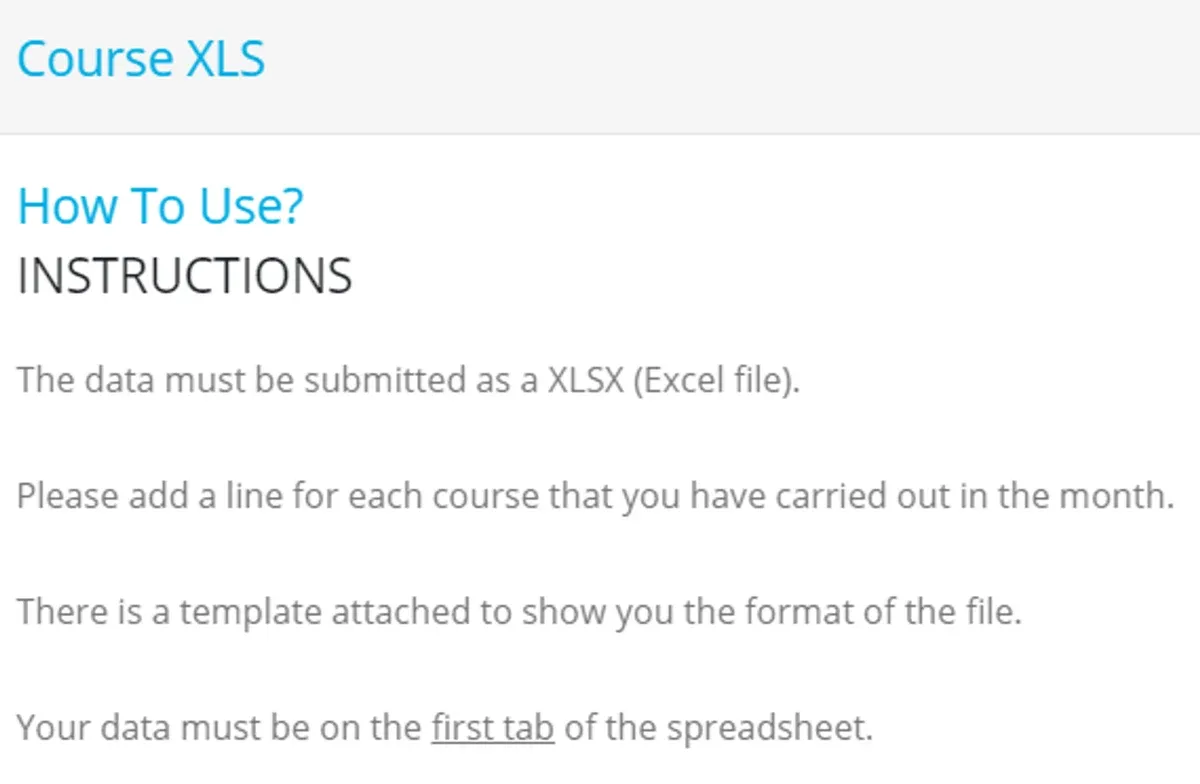
How to Use?
Contact Support - Business and Technical
File Templates contain files to use as reporting templates — click to Download.


Submit data
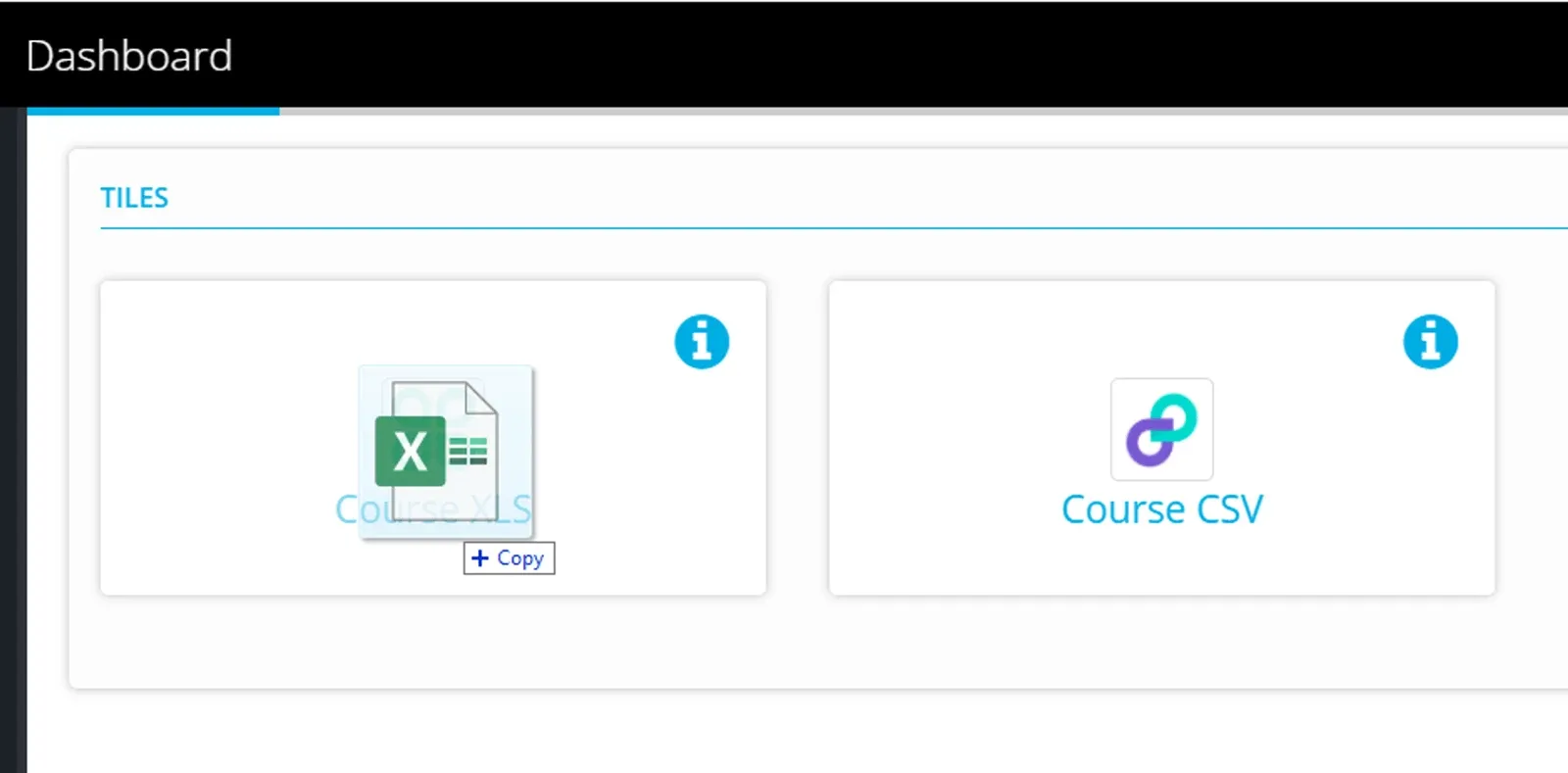
To submit data to the tile
drag a file from windows explorer to the tile or click in the tile and browse to the file location on your computer.
Click Yes to confirm the upload
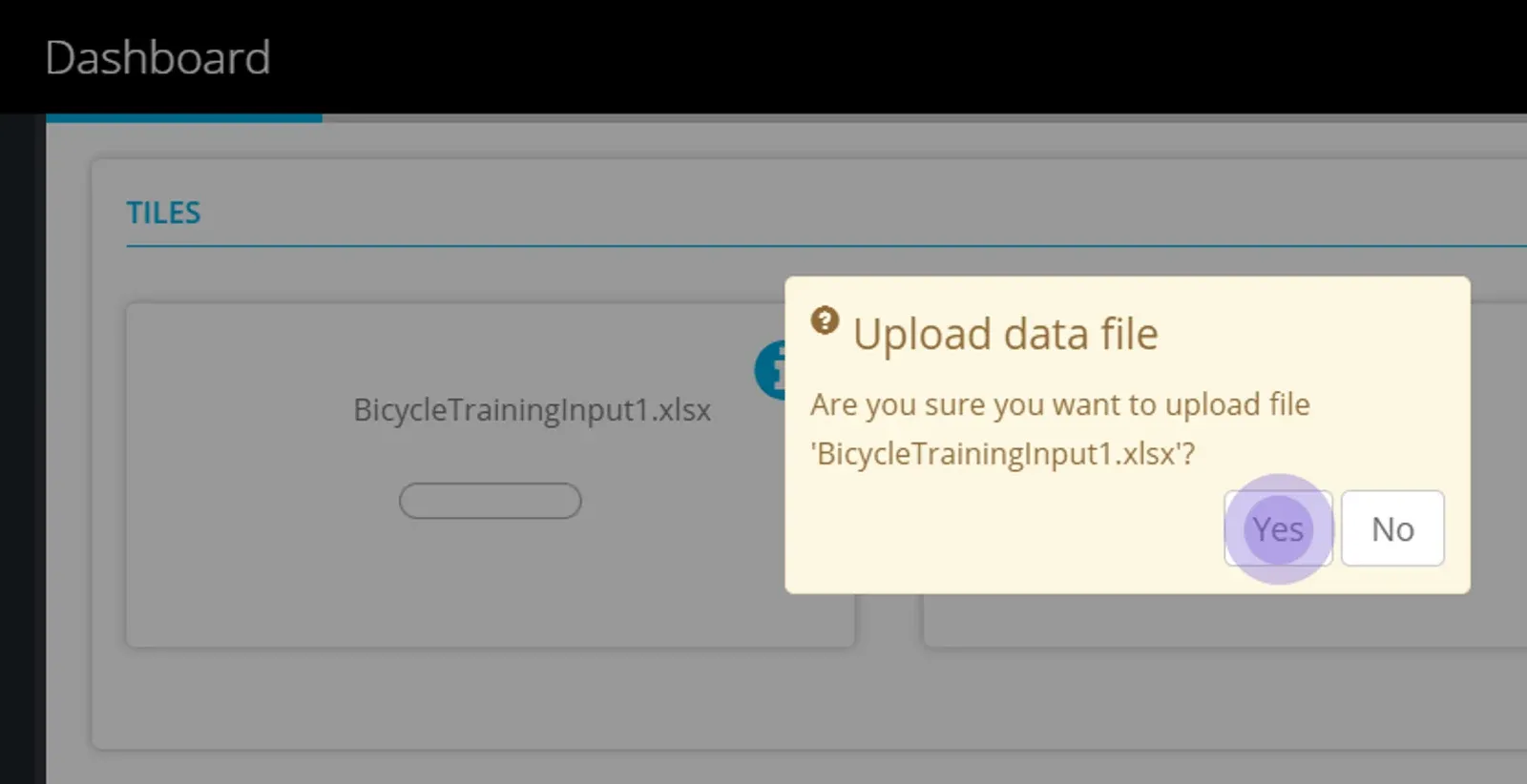
If the file does not conform to the structure required a message will show you that the file cannot be downloaded.
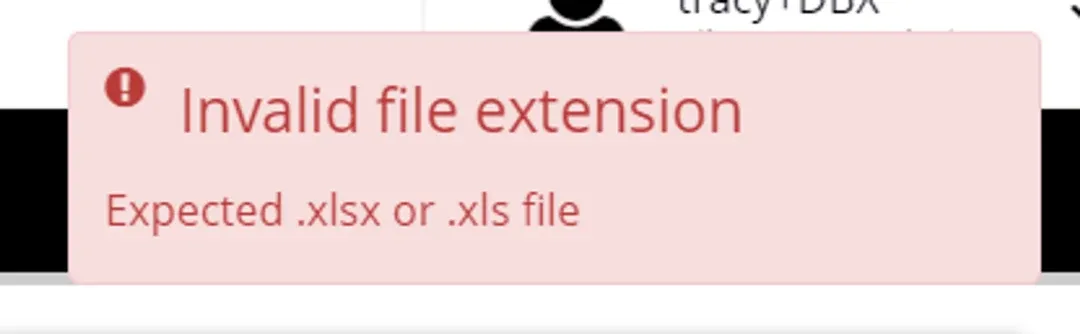
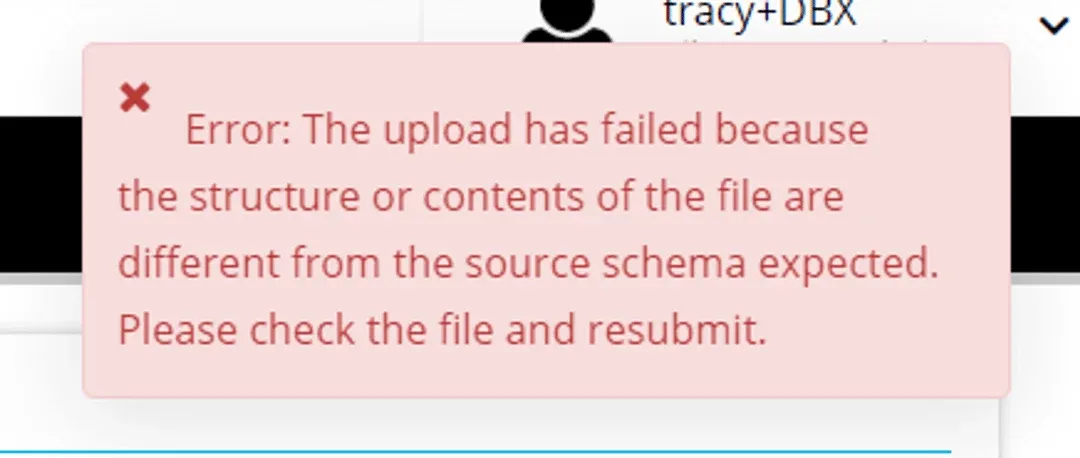
If the file conforms to the structure required the message will show
‘A proper data exchange process will begin soon’
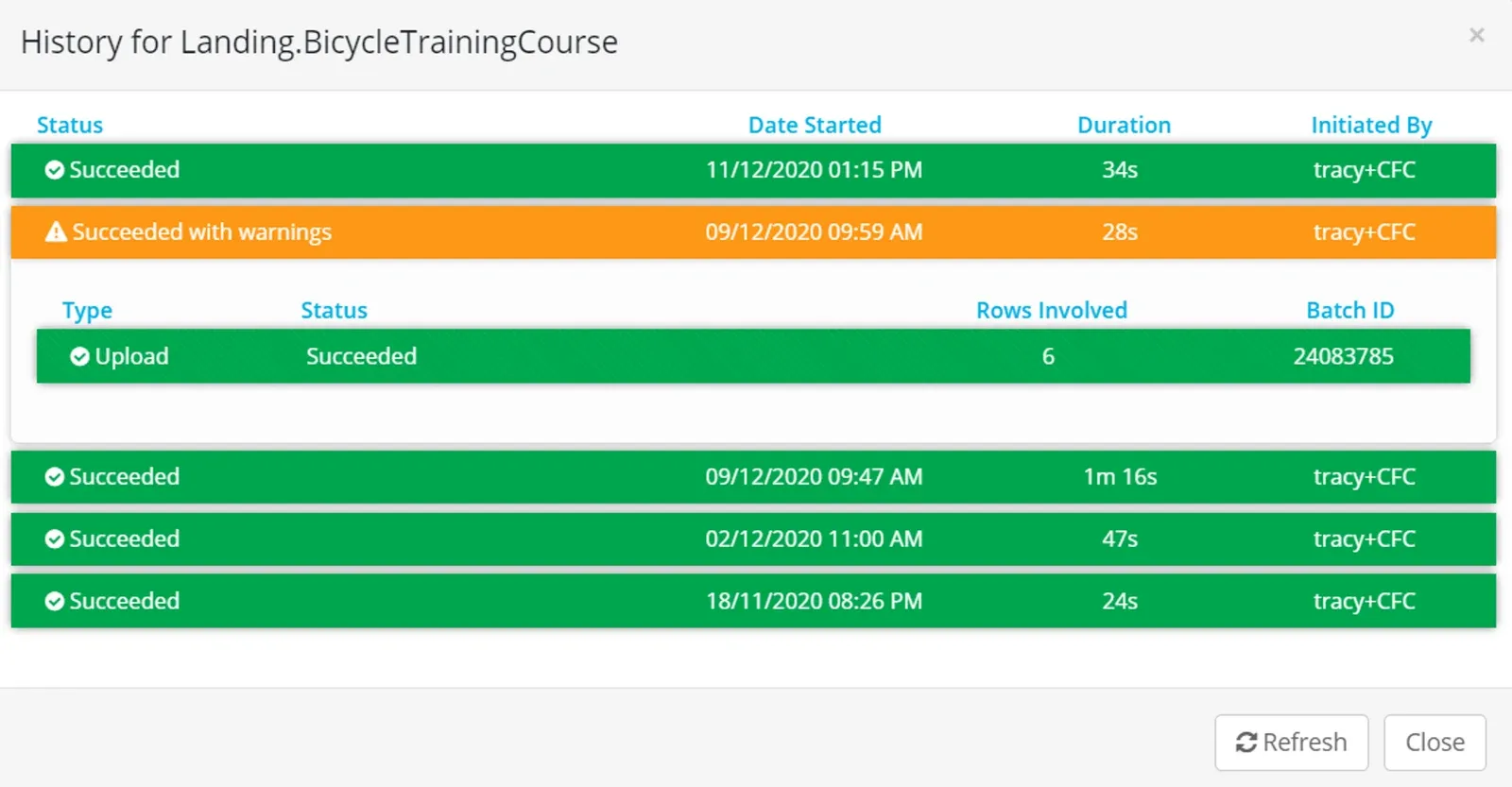
Click on the Activity page link to see the history of your data submissions
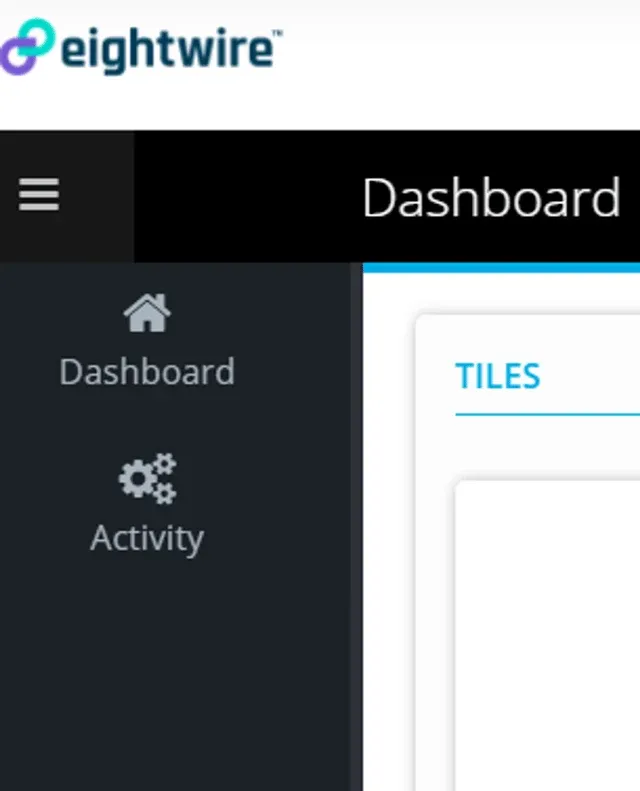
The Date, row count, and the person who initiated the share are shown — as well as if the data was loaded successfully at the destination.
Congratulations!
You have submitted your first set of data - at the destination it will be automatically loaded into the database or folder.
To see how to add Users to your Tile Account - check out the page Tile Account Administration
Stuck on this step? Email support@eight-wire.com